

Logo desktop

Casino Welcome Bonus

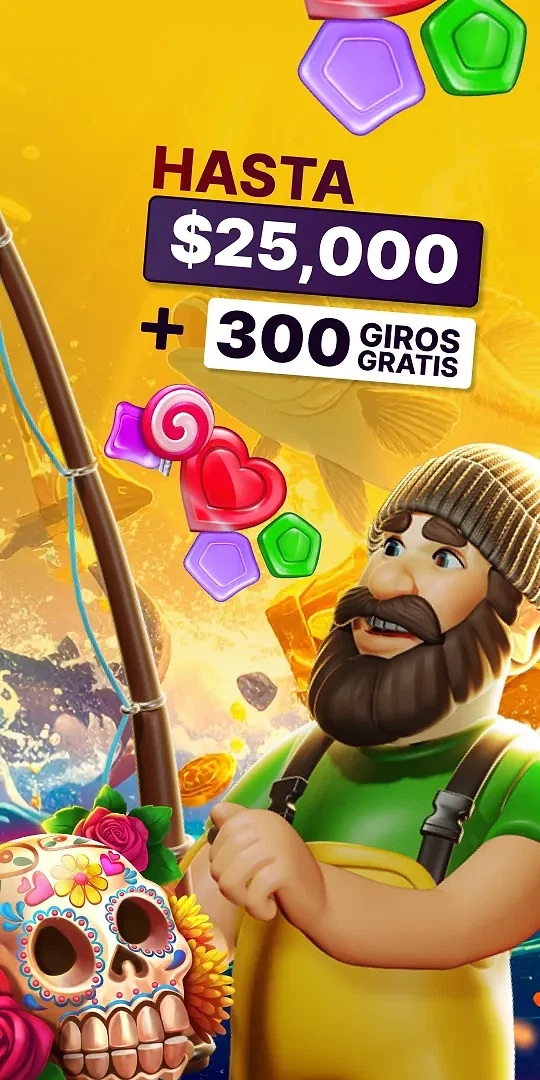
Get up to $200 extra money on your first deposit + extra 50 FREE SPINS.

Read More
Welcome Casino Bonus 1
Read More

Sports Welcome Bonus

Sports Bonus 1
Read More
vivacasino
vivacasino

Popular Categories


📢 Frequently asked questions

  1. Find any of the deposit buttons on the site and click on it - one is on the right top side of your screen.

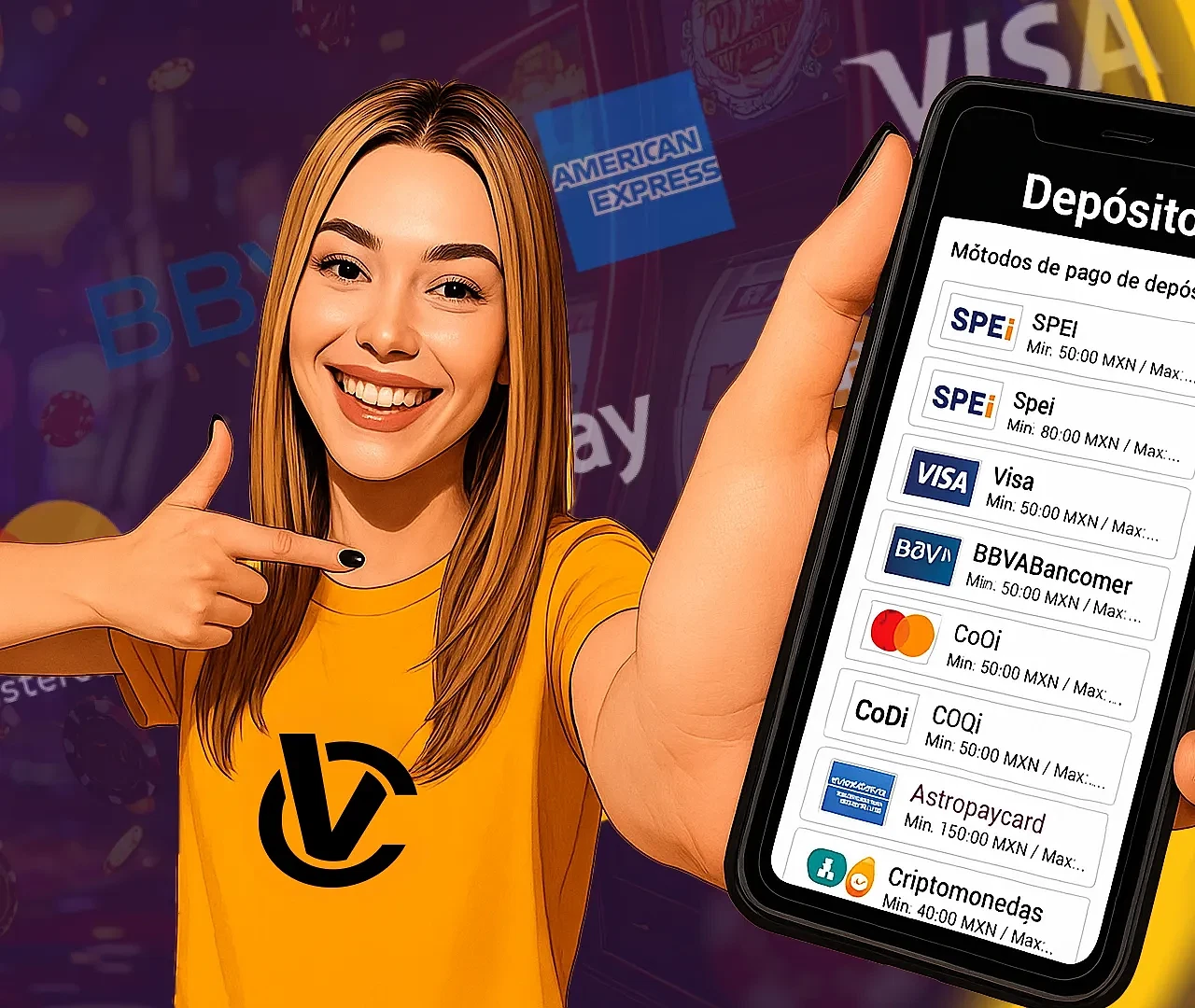
  2. Select your preferred payment method from the drop-down menu (by clicking on the method) and then enter the amount that you wish to deposit. Note: Minimum and maximum limits can vary by method and are always displayed on the payment method card next to the logo.

  3. Your personal document information will be already pre-filled from the information you provided on registration, if the information is incorrect, please notify our support via chat, so we can correct it.

  4. Don't forget to click on the gift icon if you wish to also apply any bonus to your deposit.

  5. Finalize your deposit by clicking on the make deposit button and afterwards follow the specific instructions for your chosen payment method.

You can check all of our payment methods here.

  1. Click on the DEPOSIT button anywhere on the website.

  2. Click on the BONUS icon and select your desired bonus to apply it to your deposit.

  3. Enter the details and amount you want to deposit. Make sure to enter the minimum amount needed to trigger the bonus you want and any other conditions of the bonus. After a successful transaction you will see the bonus active in your profile.

If you've received a bonus code you can claim it in our bonus module.

It is located under the account section in the left side menu.

Once there simply insert your code in the empty field and click on claim bonus button.

That's it, you've successfully claimed the bonus and you should receive a confirmation pop-up message.

If however you've received some different message notifying you that the bonus claim was unsuccessful, please take a screenshot if possible and write to our support who will promptly help you in resolving the issue.

To verify your account, you must send an image of your ID Card (both sides) via chat or to the email at: soporte@vivacasino.mx. Our team will do the rest and inform you once the account has been verified. You will also notice that the verification prompt messages will disappear from your profile and withdrawals will become available.

Play Without Waiting

VivaCasino offers secure local payment methods and fast withdrawals, so you can deposit, play, and get your winnings quickly.

Payments information